The Difference Between a Download, Transfer and Template: A Complete Guide
Share
Understanding Rhinestone Application Methods
When working with rhinestones, choosing the right application method is crucial for achieving professional results. The three main options—downloads, transfers, and templates—each serve different purposes and offer unique benefits. This guide will help you understand the key differences and choose the right option for your project.
What is a Rhinestone Download?
A rhinestone download is a digital design file that you receive electronically. This file contains the pattern or design that you'll use to create your rhinestone project.
Key Features of Downloads:
- Instant delivery - Receive your design immediately after purchase
- Digital format - Typically provided as SVG, PDF, or specialized rhinestone software files
- Requires equipment - You'll need a cutting machine, rhinestone software, or template material to use the design
- Unlimited use - Create as many projects as you want from a single download
- DIY approach - You create the physical template or transfer yourself
Best for: Crafters with cutting machines (Silhouette, Cricut), rhinestone software, or those who want to create multiple projects from one design.
What is a Rhinestone Transfer?
A rhinestone transfer is a ready-to-apply physical product where rhinestones are already placed on transfer tape in the desired pattern. You simply position it on your garment and apply heat.
Key Features of Transfers:
- Ready to use - Rhinestones are pre-placed on adhesive transfer tape
- Physical product - Ships to you as a tangible item
- Heat application - Requires a heat press or household iron
- Single use - Each transfer can only be applied once
- Time-saving - No stone placement required; perfect for quick projects
- Professional results - Stones are precisely positioned for you
Best for: Those who want immediate results, don't have time for stone placement, or need consistent professional quality for custom orders or events.
Browse our collection of ready-to-apply rhinestone transfers for instant project solutions.
What is a Rhinestone Template?
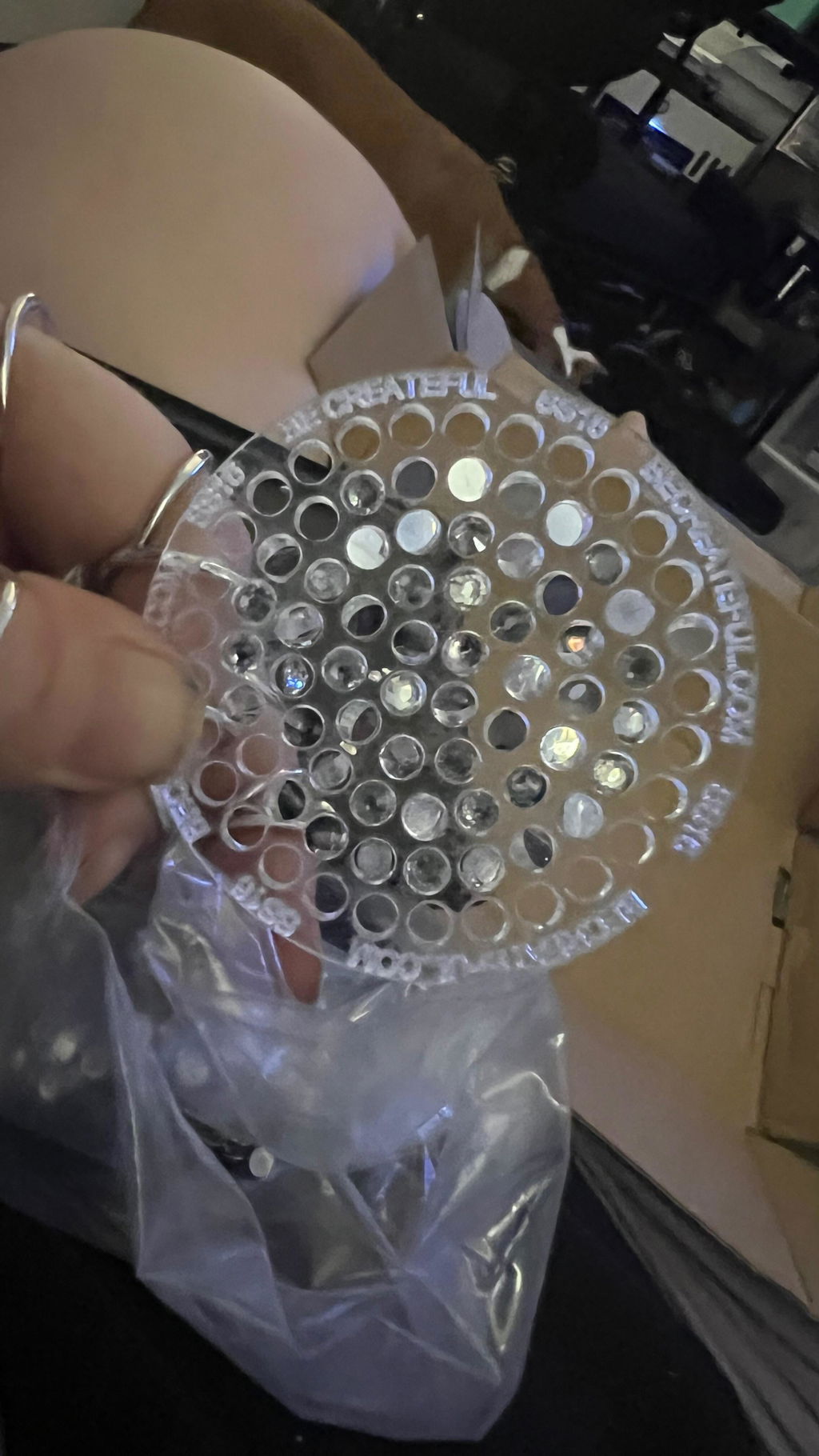
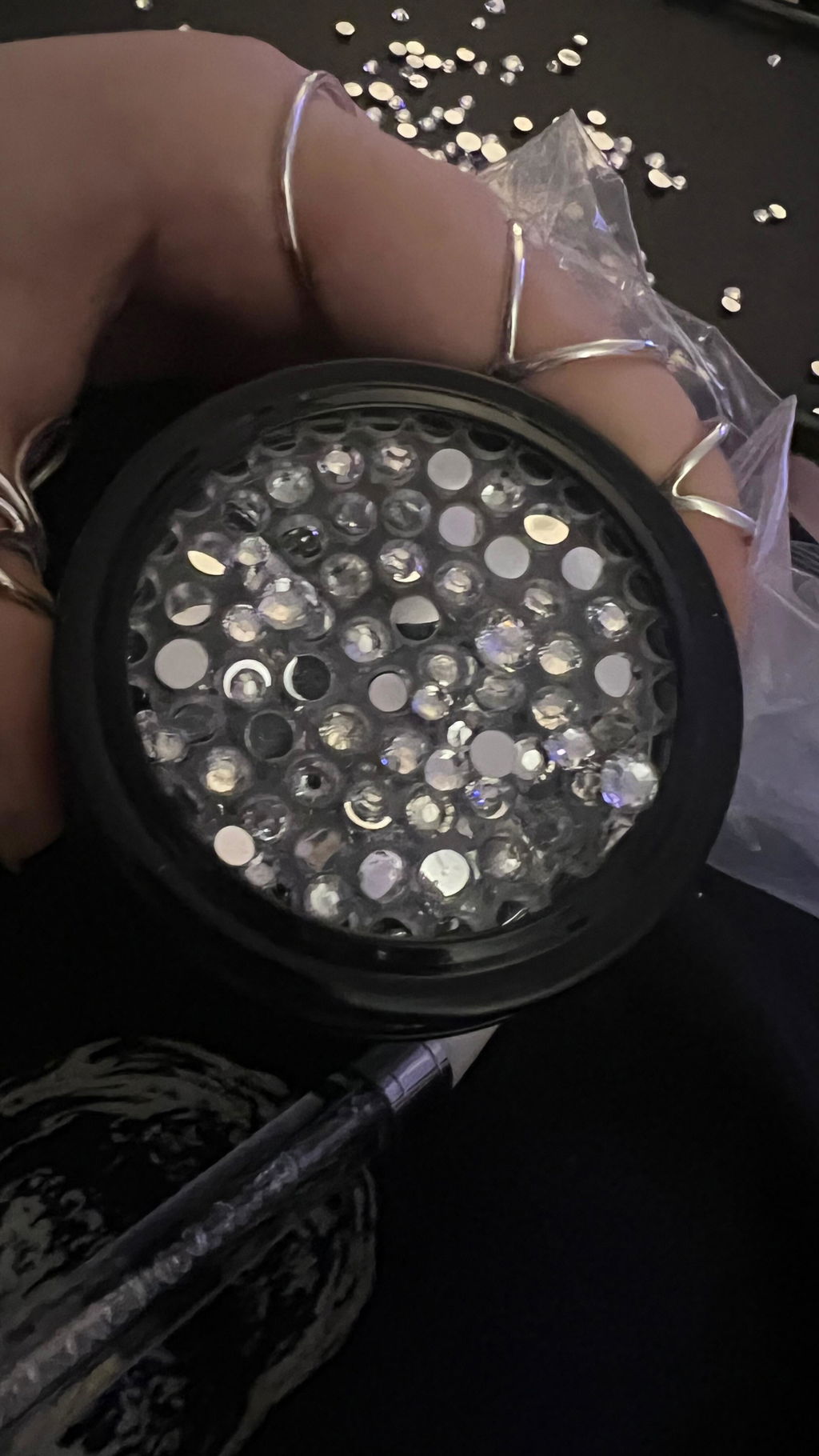
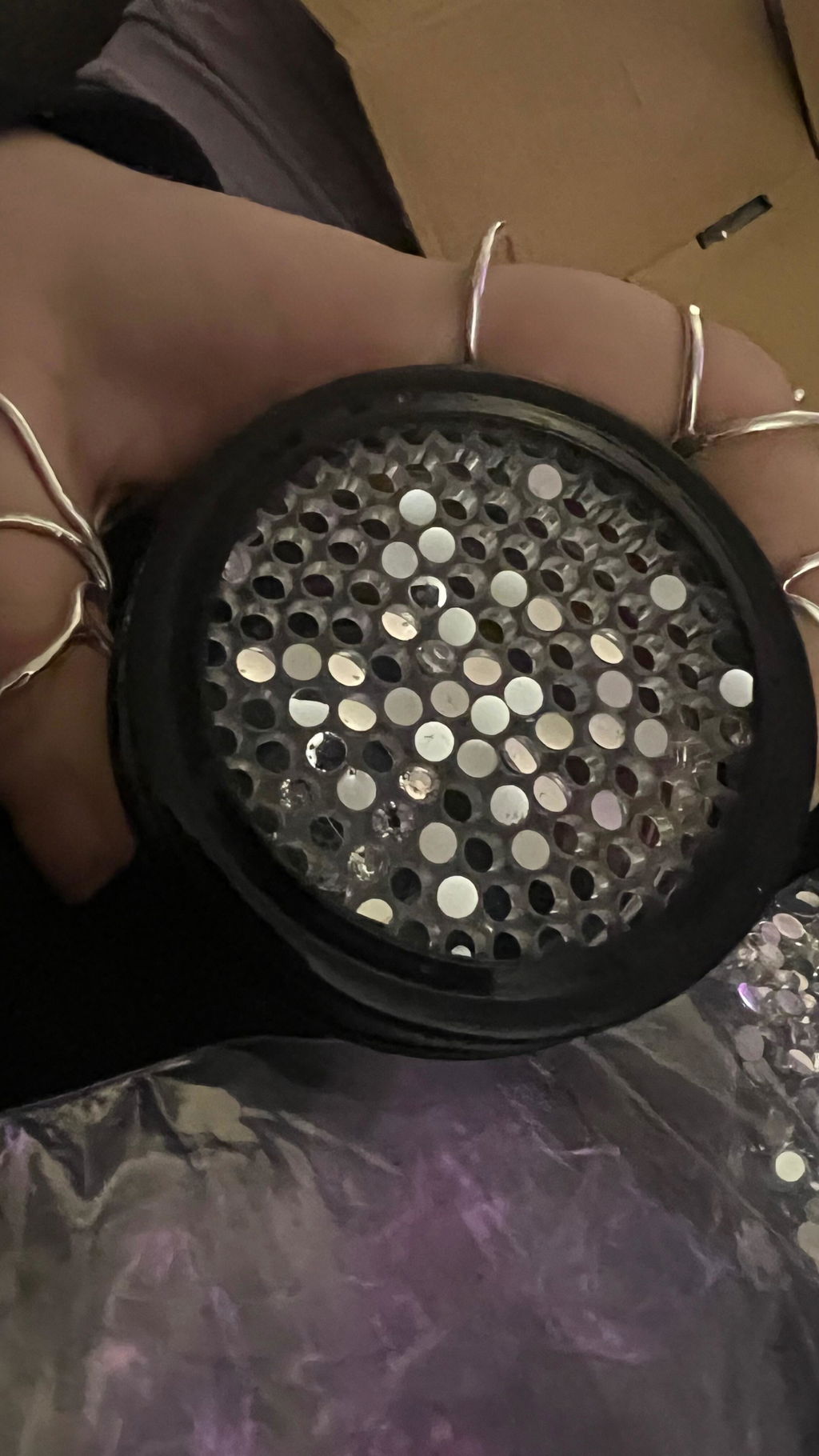
A rhinestone template is a physical stencil or pattern made from template material (like flock or rubber) with holes where rhinestones should be placed. You use it as a guide to position stones accurately.
Key Features of Templates:
- Reusable guide - Can be used multiple times for the same design
- Physical product - Made from template flock, rubber, or similar material
- Manual stone placement - You place each rhinestone individually through the holes
- Precision positioning - Ensures accurate, consistent placement every time
- Flexible application - Works with hotfix or flatback rhinestones
- Cost-effective for multiples - One template creates many identical designs
Best for: Production work, creating multiple identical items, or crafters who prefer manual control over stone placement and want reusable tools.
Explore our rhinestone templates for precision crafting projects.
Quick Comparison Chart
| Feature | Download | Transfer | Template |
|---|---|---|---|
| Format | Digital file | Physical, ready-to-apply | Physical stencil |
| Delivery | Instant | Ships to you | Ships to you |
| Stone Placement | You do it | Pre-placed | You do it |
| Reusability | Unlimited | Single use | Multiple uses |
| Equipment Needed | Cutting machine or software | Heat press or iron | None (just stones & adhesive) |
| Time Investment | Medium to high | Low | Medium |
Which Option Should You Choose?
Choose a Download if:
- You have a cutting machine or rhinestone design software
- You want unlimited use of a design
- You prefer a DIY approach and enjoy the creative process
- You need flexibility to resize or modify designs
Choose a Transfer if:
- You need quick, professional results
- You're working on a one-time project or custom order
- You want guaranteed precision without manual placement
- You're new to rhinestone application
Choose a Template if:
- You're creating multiple identical items
- You want control over stone selection and placement
- You prefer working with flatback rhinestones and adhesive
- You need a reusable tool for production work
Frequently Asked Questions
Can I create a transfer from a download?
Yes! With the right equipment (cutting machine and transfer tape), you can use a download to create your own custom transfers.
Can I create a template from a download?
Absolutely. If you have a cutting machine and template material (like rhinestone template flock), you can cut your own reusable templates from digital downloads.
Which method gives the most professional results?
All three methods can produce professional results when done correctly. Transfers offer the most consistent precision with the least effort, while templates and downloads give you more creative control.
What's the most cost-effective option?
For single projects, transfers are often most cost-effective when you factor in time. For multiple identical items, templates offer the best value. Downloads are ideal if you already own the necessary equipment and want design flexibility.
What type of rhinestones work with each method?
Transfers typically use hotfix rhinestones with heat-activated adhesive. Templates work with both hotfix and flatback rhinestones. Downloads can be used to create either type depending on your equipment and preferences.
Ready to Get Started?
Now that you understand the differences between downloads, transfers, and templates, you can choose the right option for your rhinestone project. Whether you're creating custom apparel, personalizing gifts, or starting a rhinestone business, selecting the appropriate method will help you achieve beautiful, professional results.
Explore our collection of premium rhinestone supplies, including hotfix and flatback stones, transfer materials, and design tools to bring your creative vision to life.